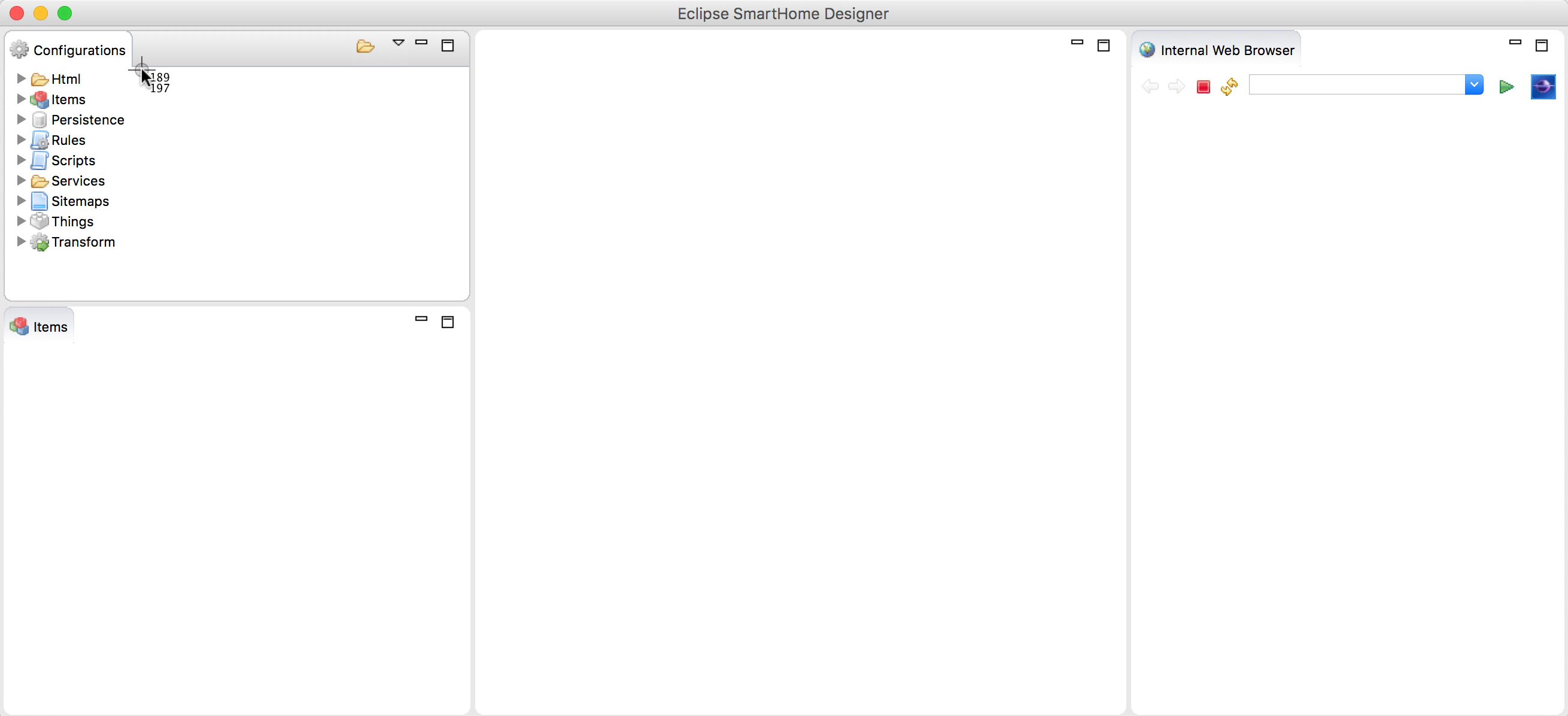
Installing the designer
The Designer is an eclipse-based IDE allowing to edit text configuration file.
Install
To do this :
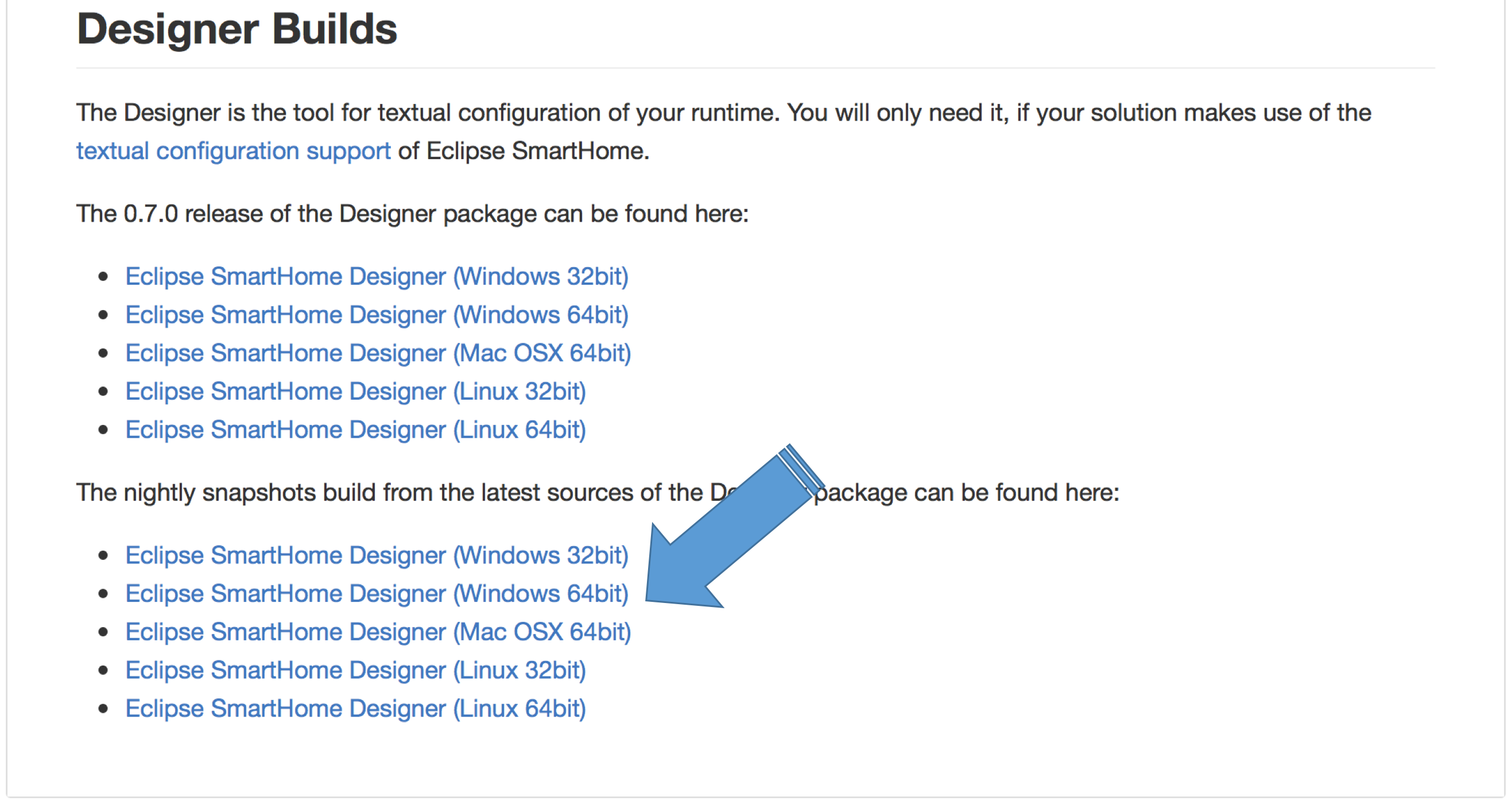
- Go to the following site (it contains the latest version) :
https://github.com/eclipse/smarthome/blob/master/docs/documentation/community/downloads.md#designer-builds. - In the nightly snapshots build, click on the link :
Eclipse SmartHome Designer (Mac OSX 64bit), to download it in your "download" folder.
- with the finder, navigate to the
OpenHabfolder we created during the OpenHab installation - create a new folder called
extrain theOpenHabfolder - move the file ve have just downloaded inside this folder
First launch of the designer
At the first launch only, we need to tell to the designer where are the configuration file.
To do so:
- using the finder, go to the
extrafolder we created just before; - double-click on the
Eclipse SmartHome Designericon - when the launch of the designer is completed, the following window appears:
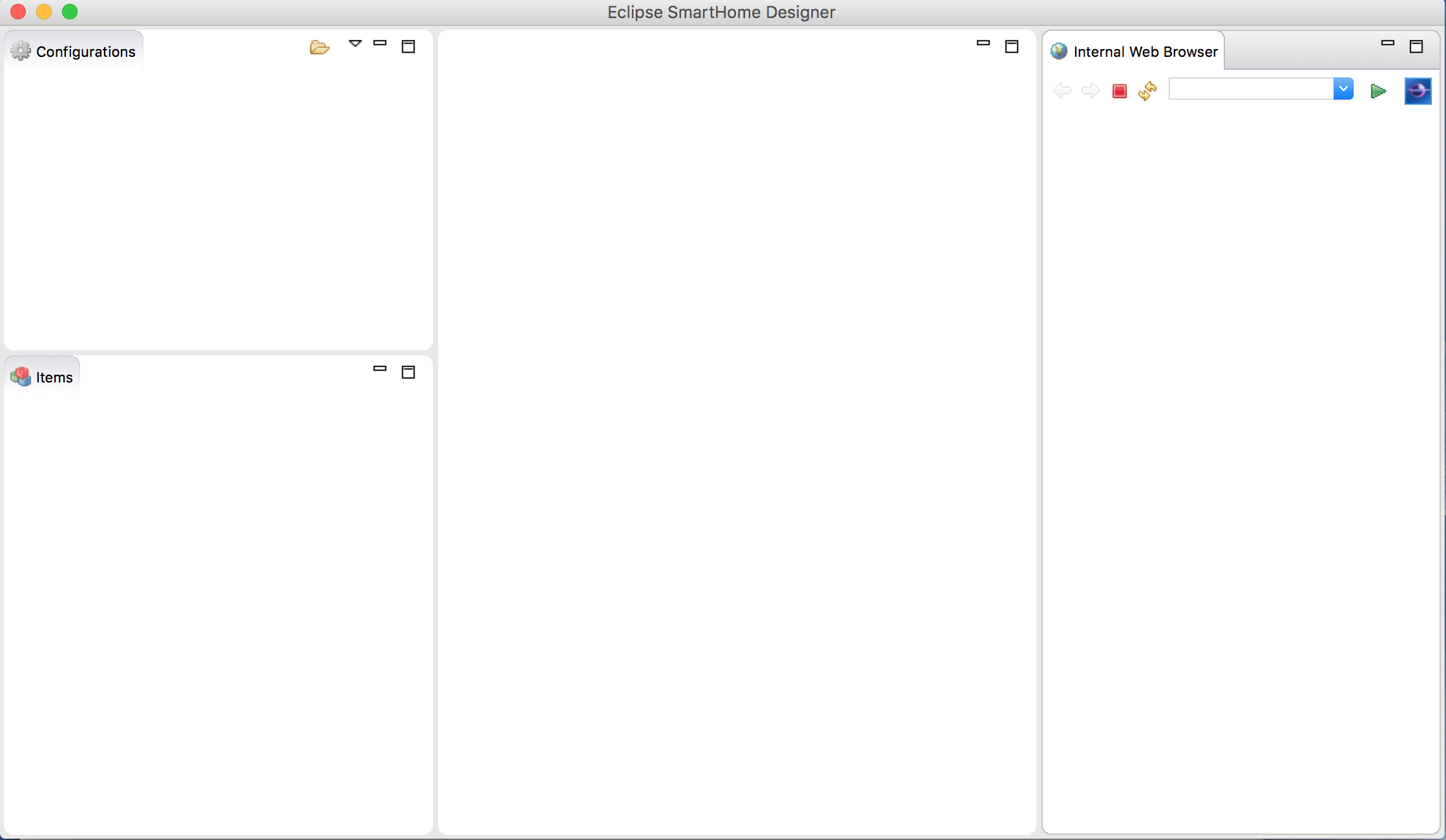
At this stage, the configuration window is empty as the designer does not know where are the configuration files.
To tell it where are these files:
- click on the small
foldericon at the top right of the configuration window, - a file browser pops up,
- navigate to the
OpenHabfolder we have created when installing OpenHab, - double-click on the
conffolder,
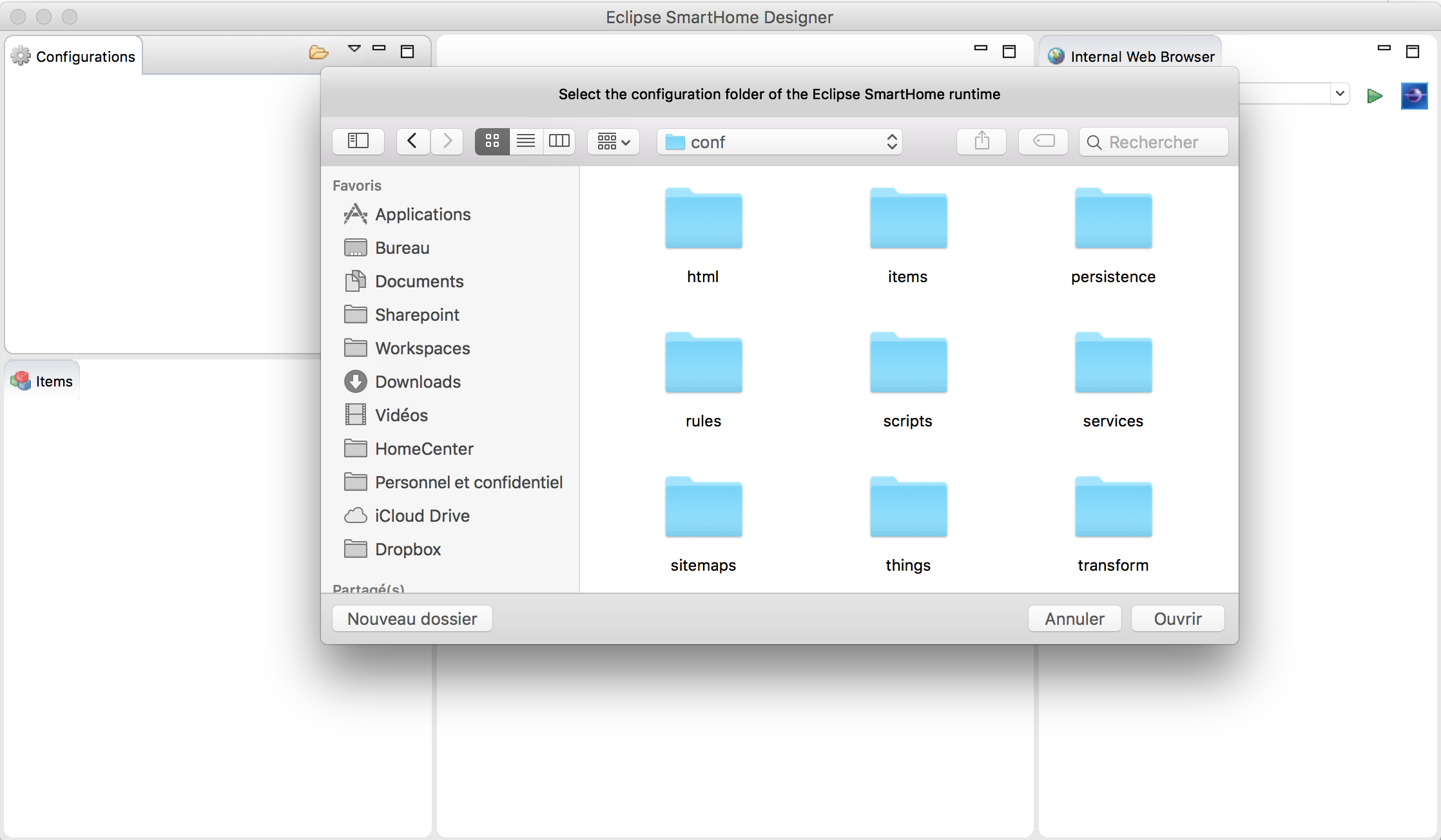
- click on the button
Open, - the
Configurationwindows now lists the different configuration folders: